Revit ⇄ 3ds Max  ·  The round trip

The design changes. Your scene stays.

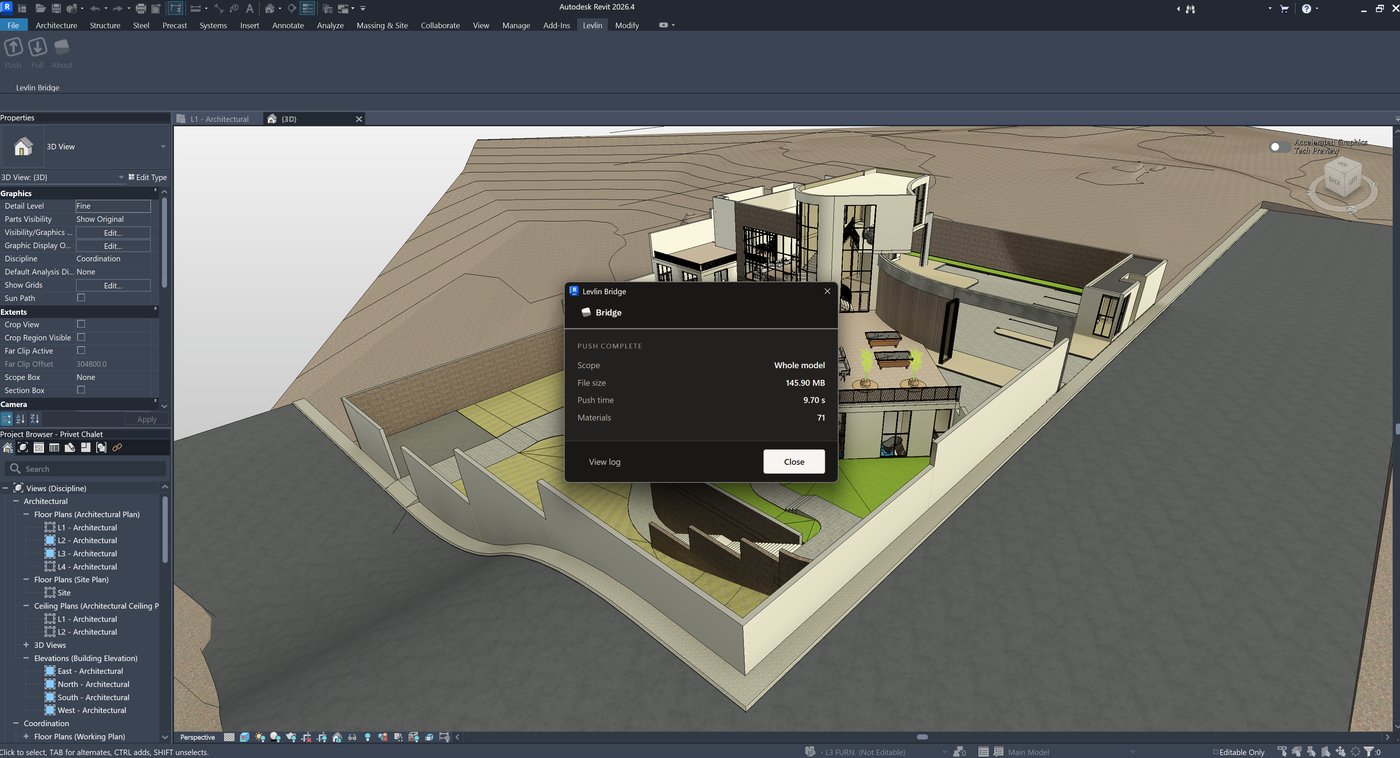
Push the model from Revit, pull it into 3ds Max, and push what you changed back. Only the difference ever moves — your materials, modifiers and UVW stay exactly where you left them.

Get early access See how it works Levlin Bridge is in final testing · Any Revit 2022–2027 with any Max 2024–2027

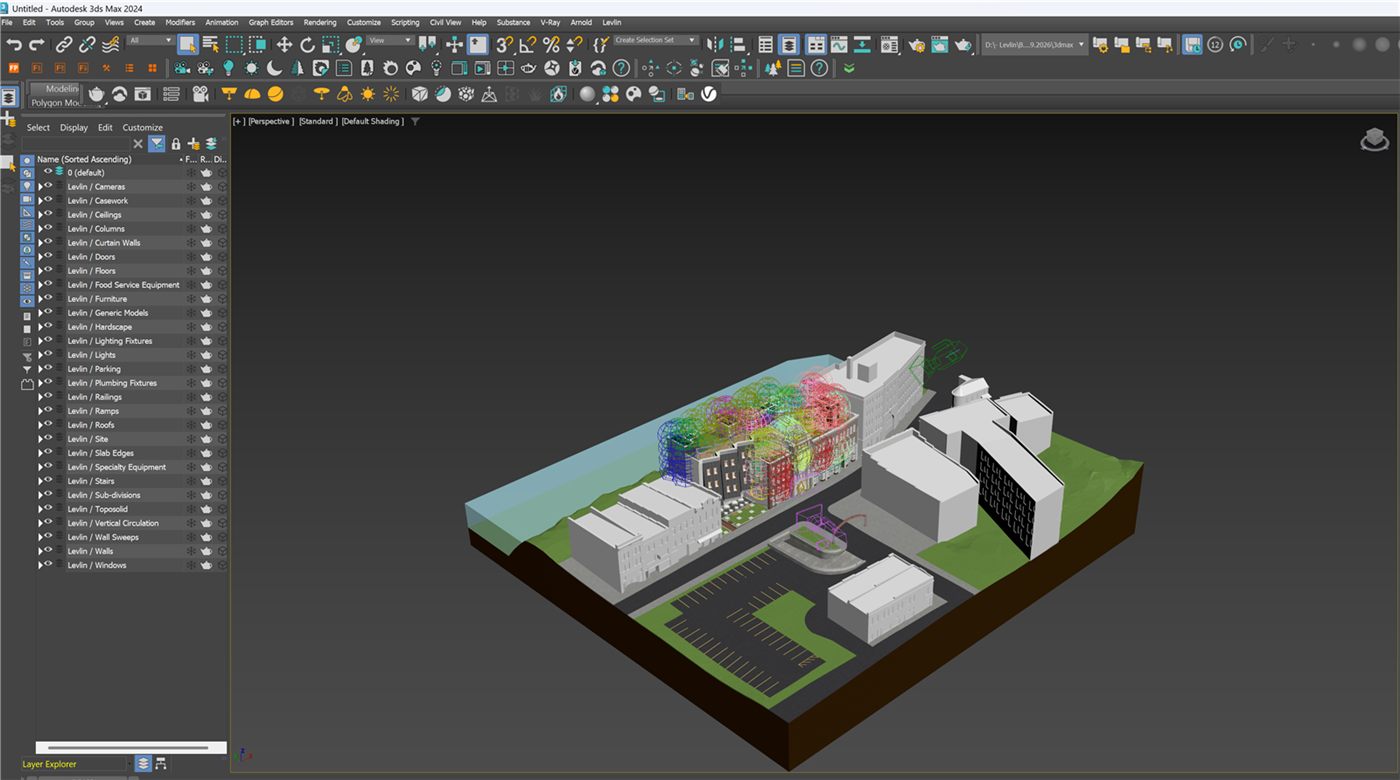
Revit model changed

PULL

3ds Max scene preserved

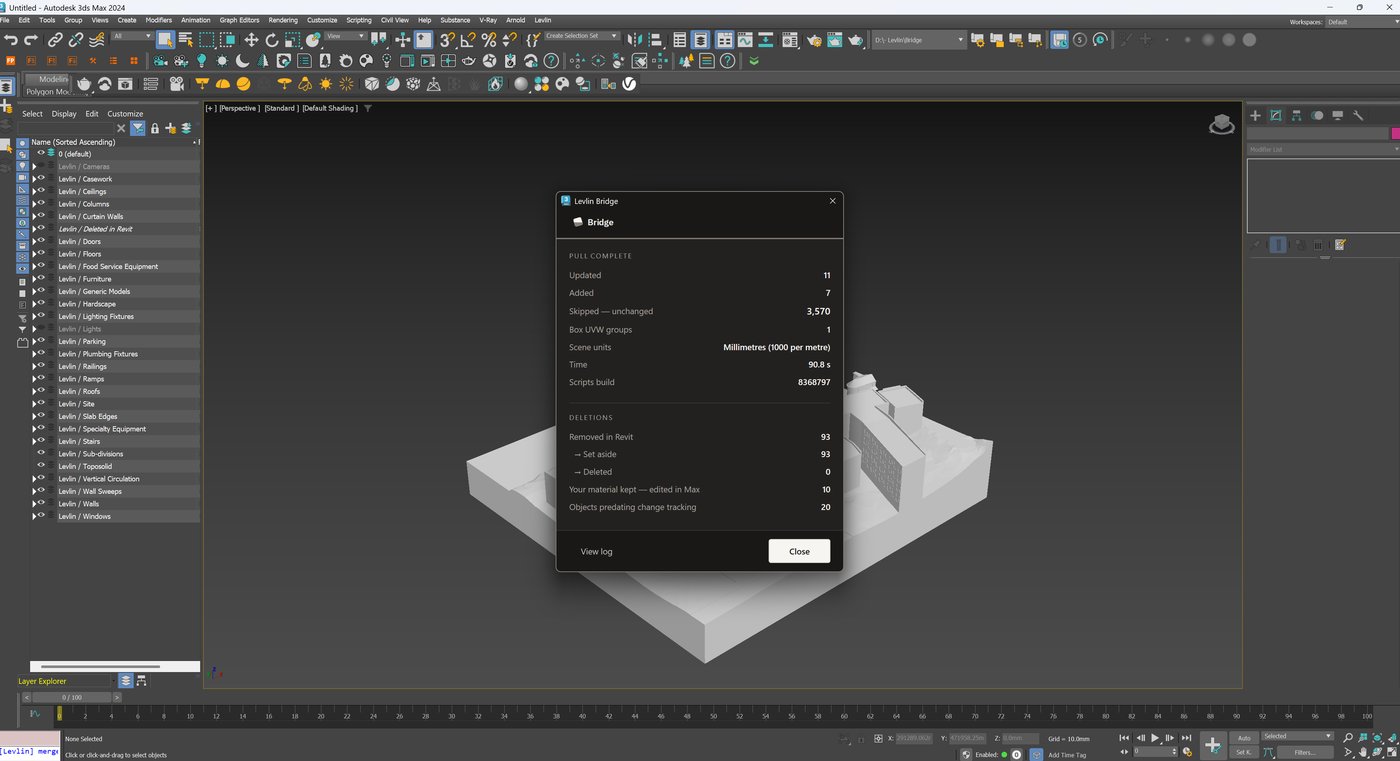
5 elements updated 0.45 s 4,159 unchanged, skipped materials, modifiers, UVW untouched
01 · The round trip

Revit to Max. And back as geometry.

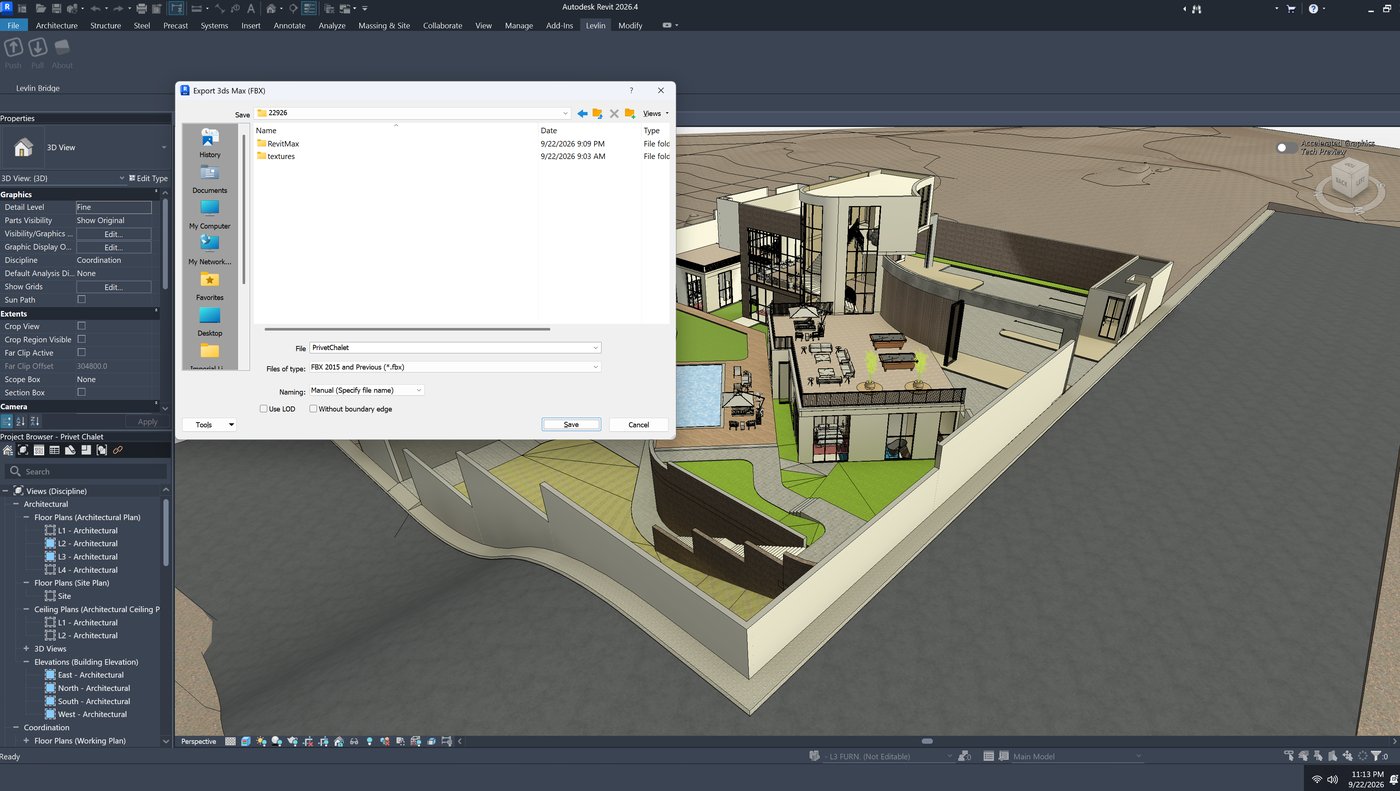
Every other route is one-way. The model goes out, and everything the artist resolves along the way — the clash nobody saw in plan, the reshaped form, the part that only worked once it was lit — stays behind in Max. Levlin Bridge brings it back as geometry, and it uses the same two verbs to do it: Push writes one file, Pull reads it and builds. In both directions.

PUSH ONE FILE PULL the model — and only what changed in it PUSH ONE FILE PULL the geometry you changed — built in Revit when you pull it REVIT · THE MODEL 3DS MAX · YOUR SCENE • PULLED BACK IN
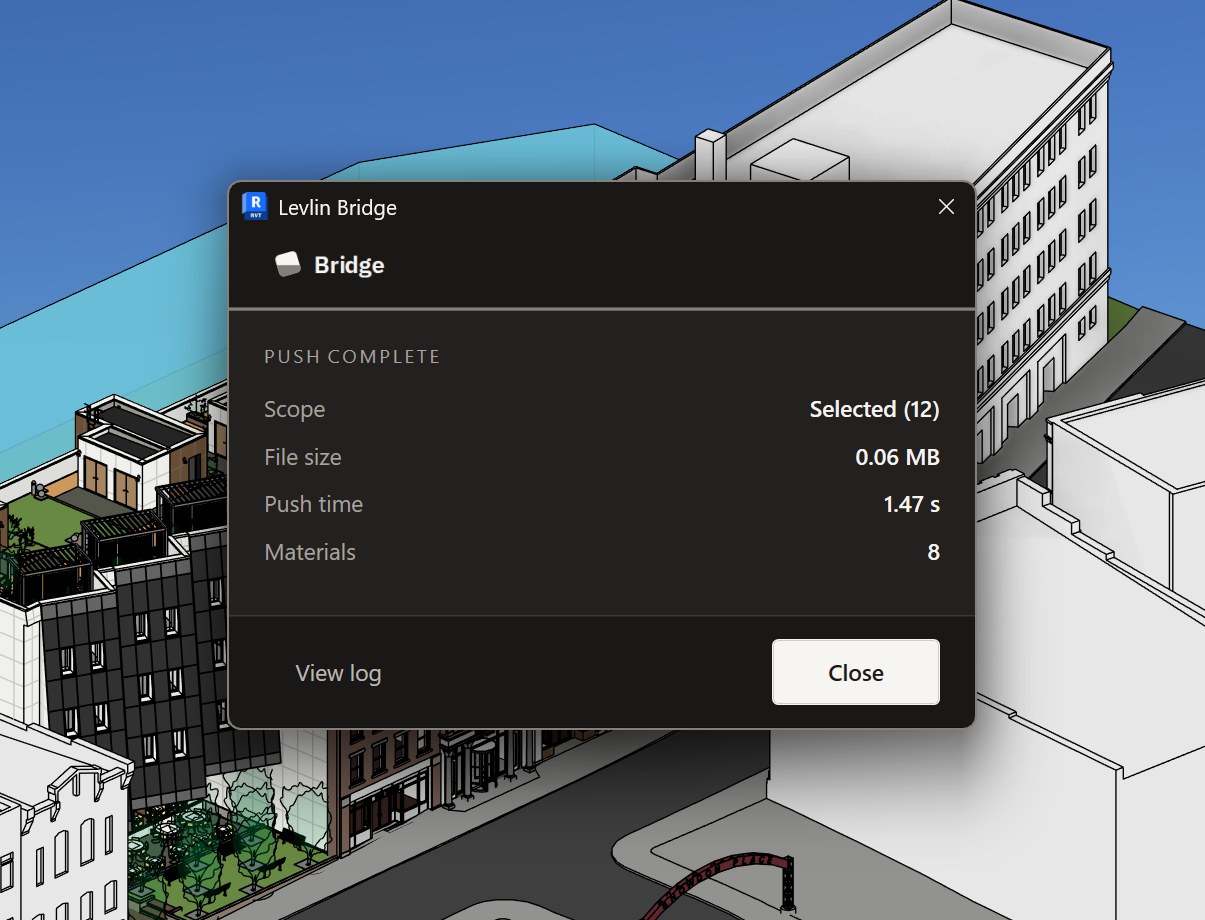
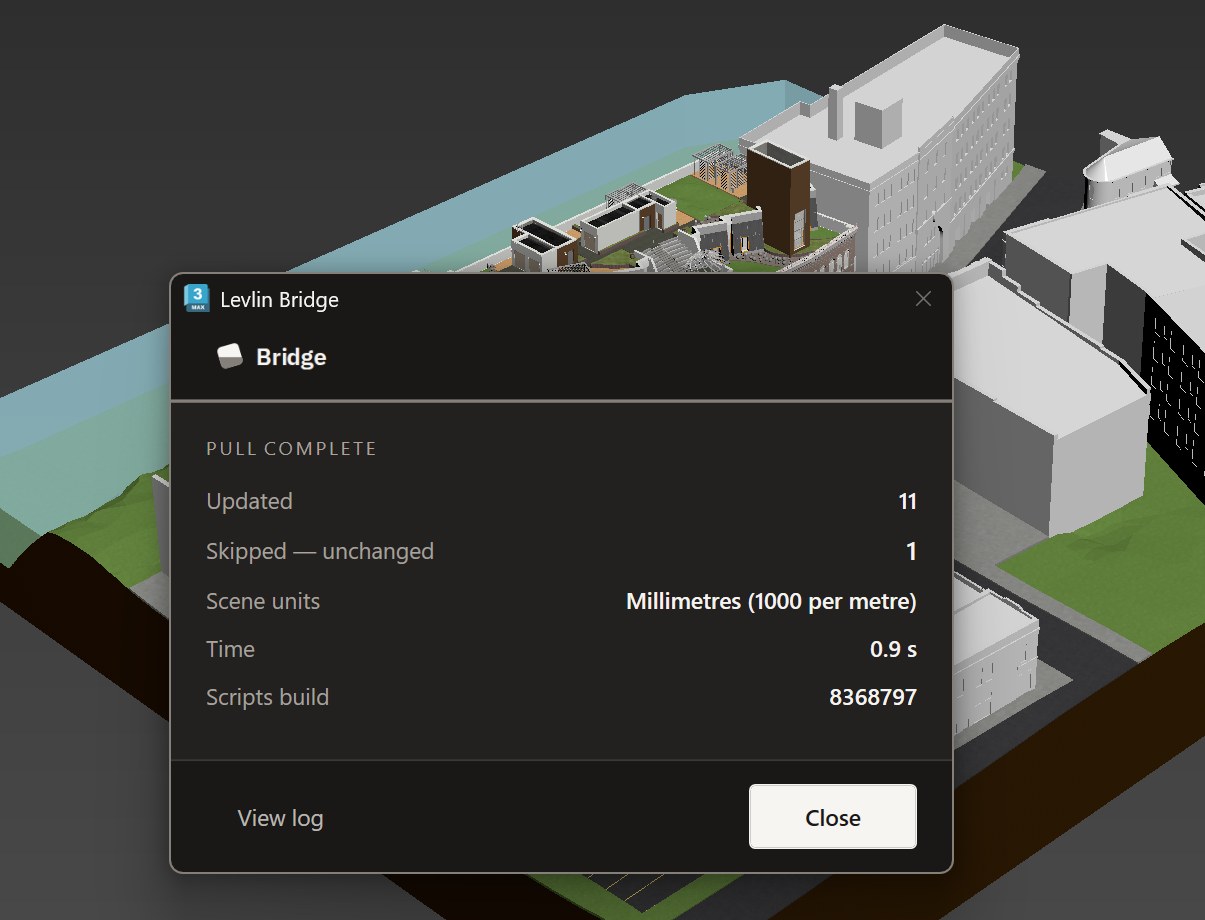
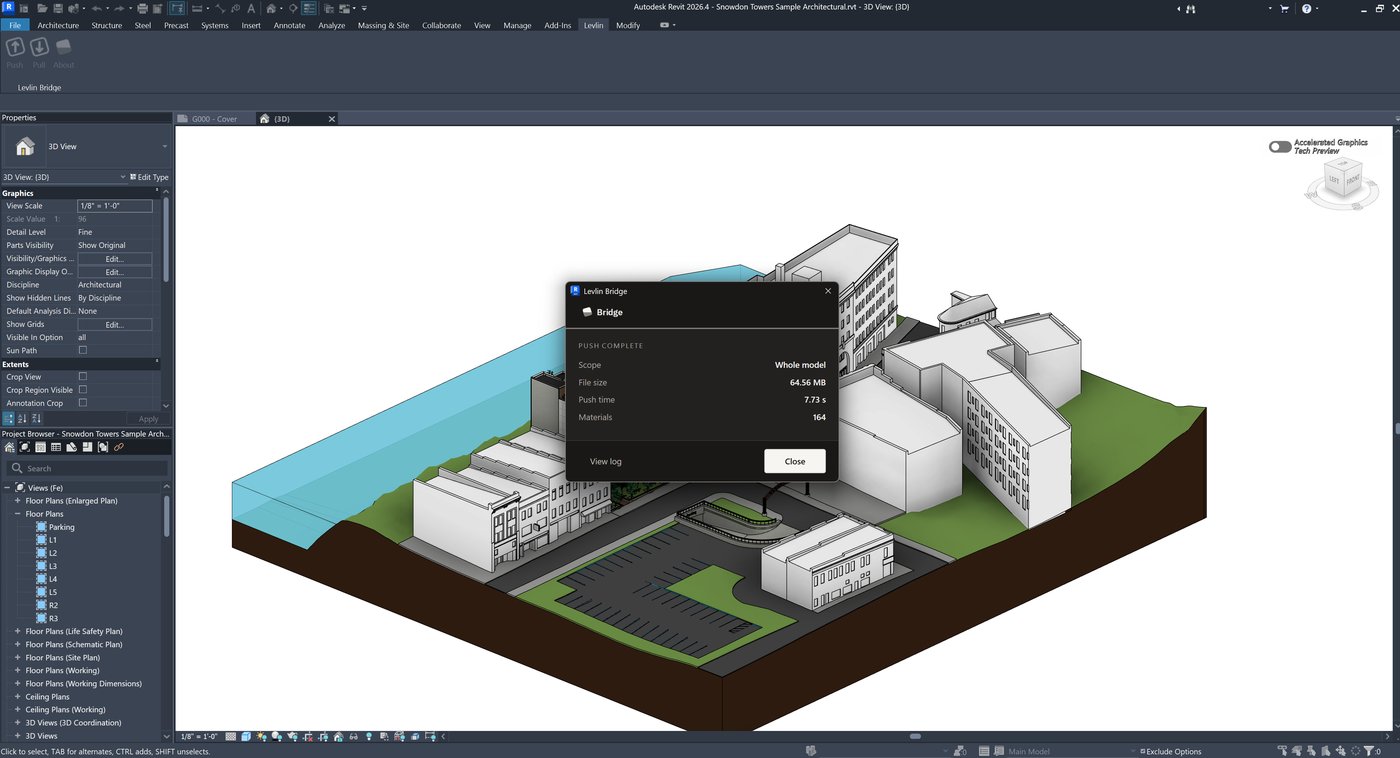
Out. Push in Revit writes the file. Pull in Max reads it and lands only what changed — your materials, modifiers, UVW and cameras untouched.
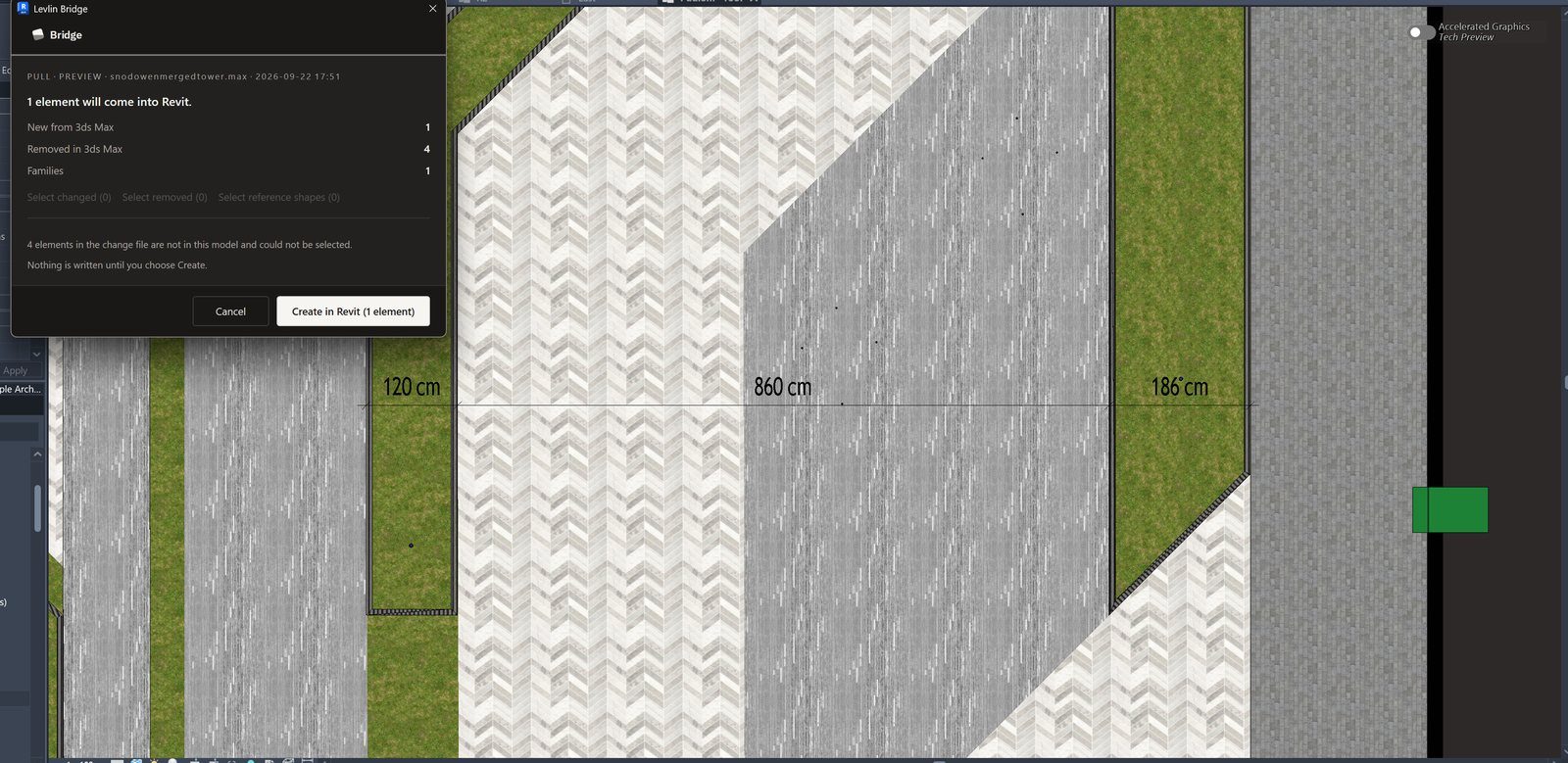
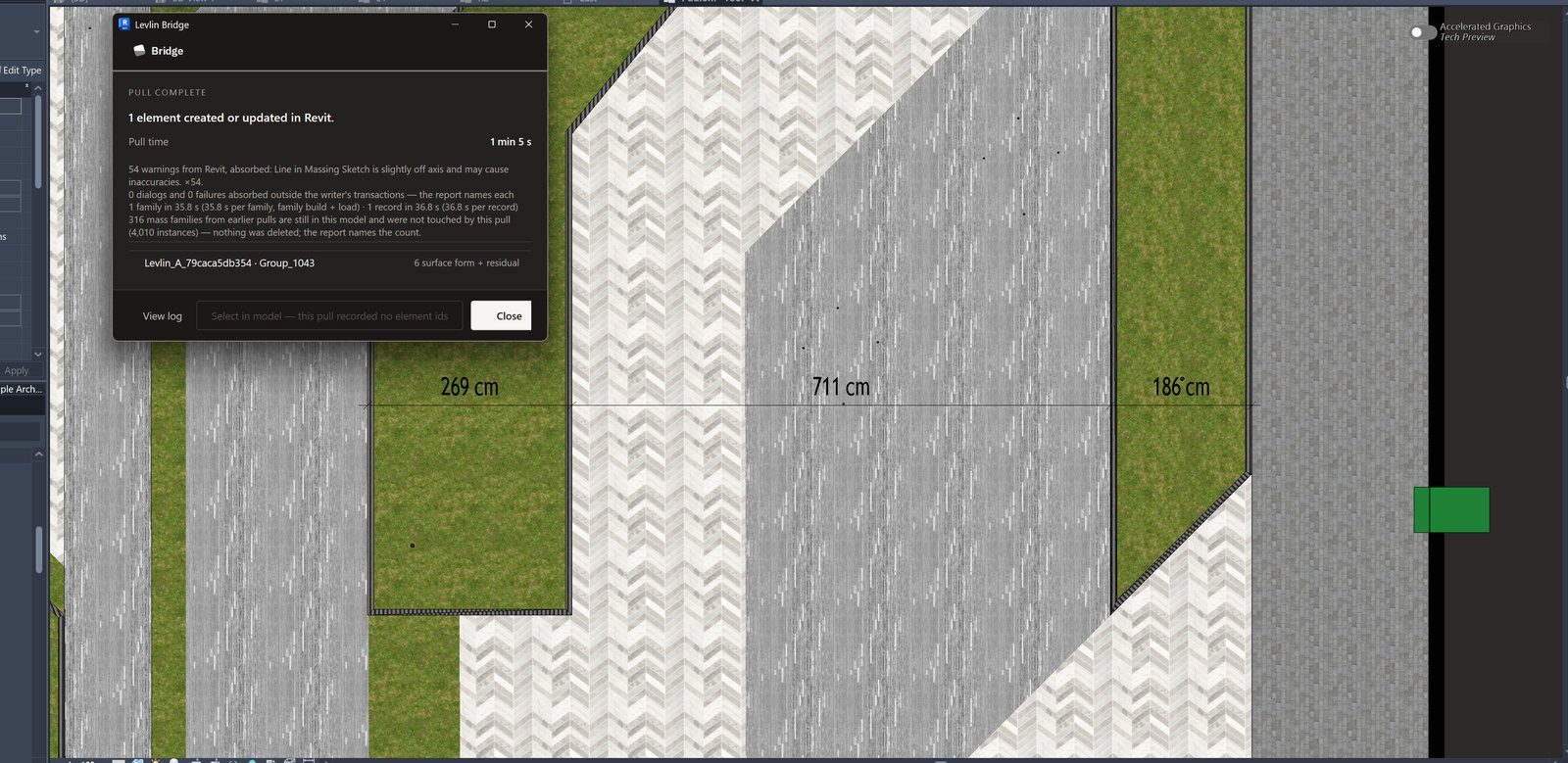
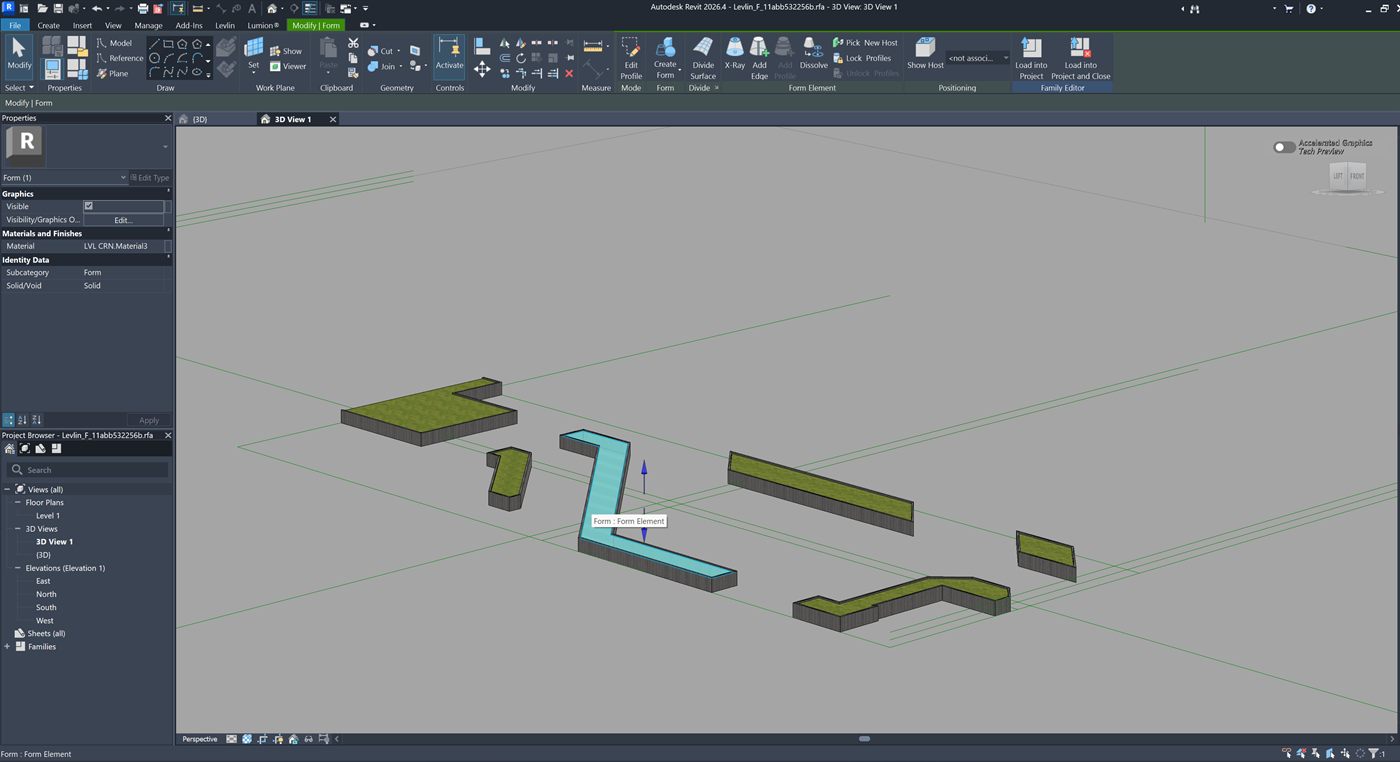
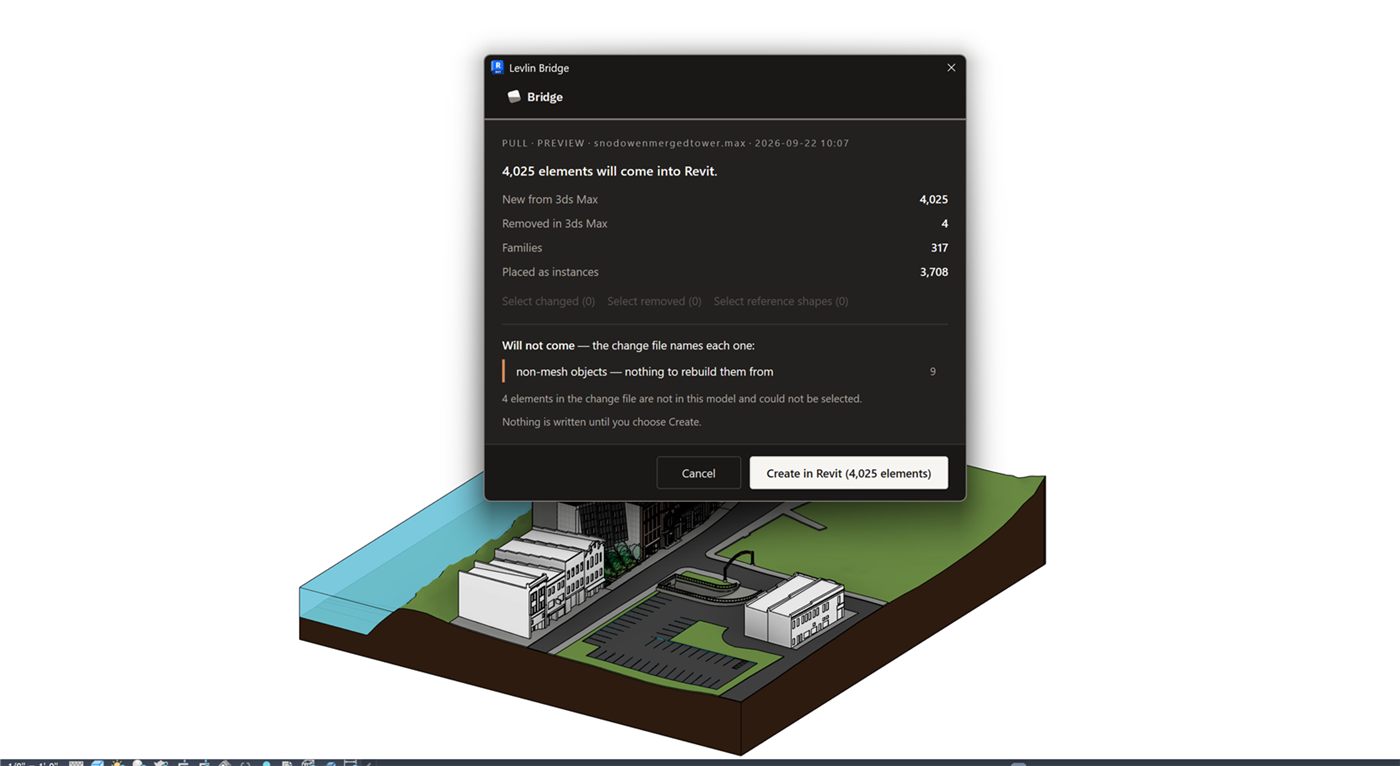
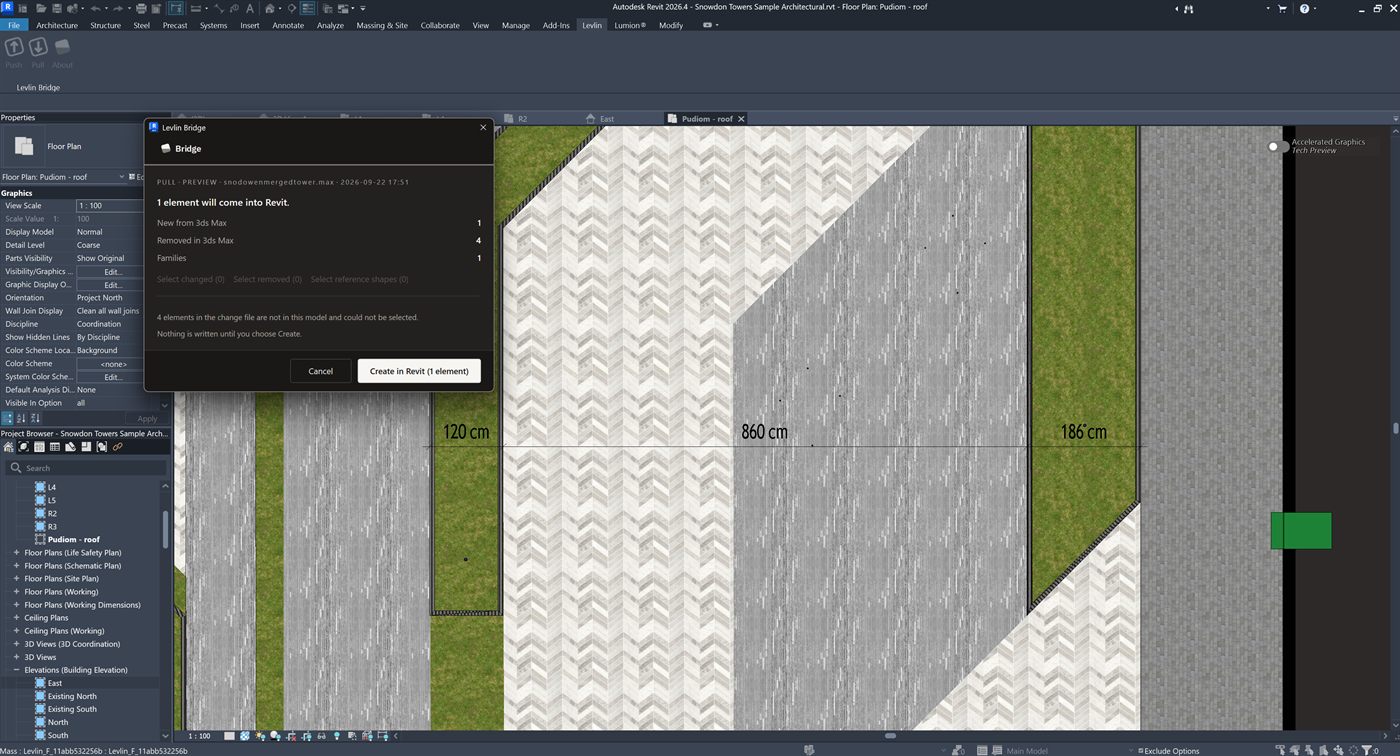
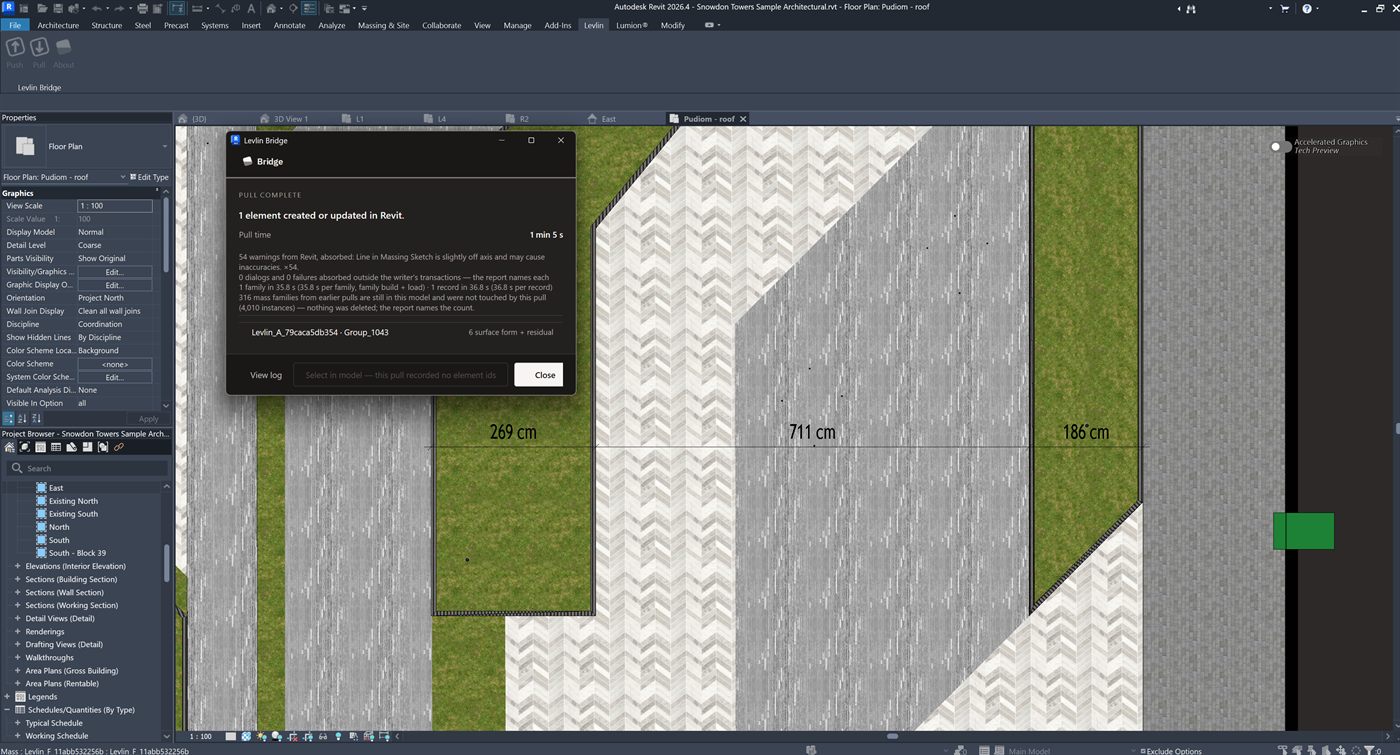
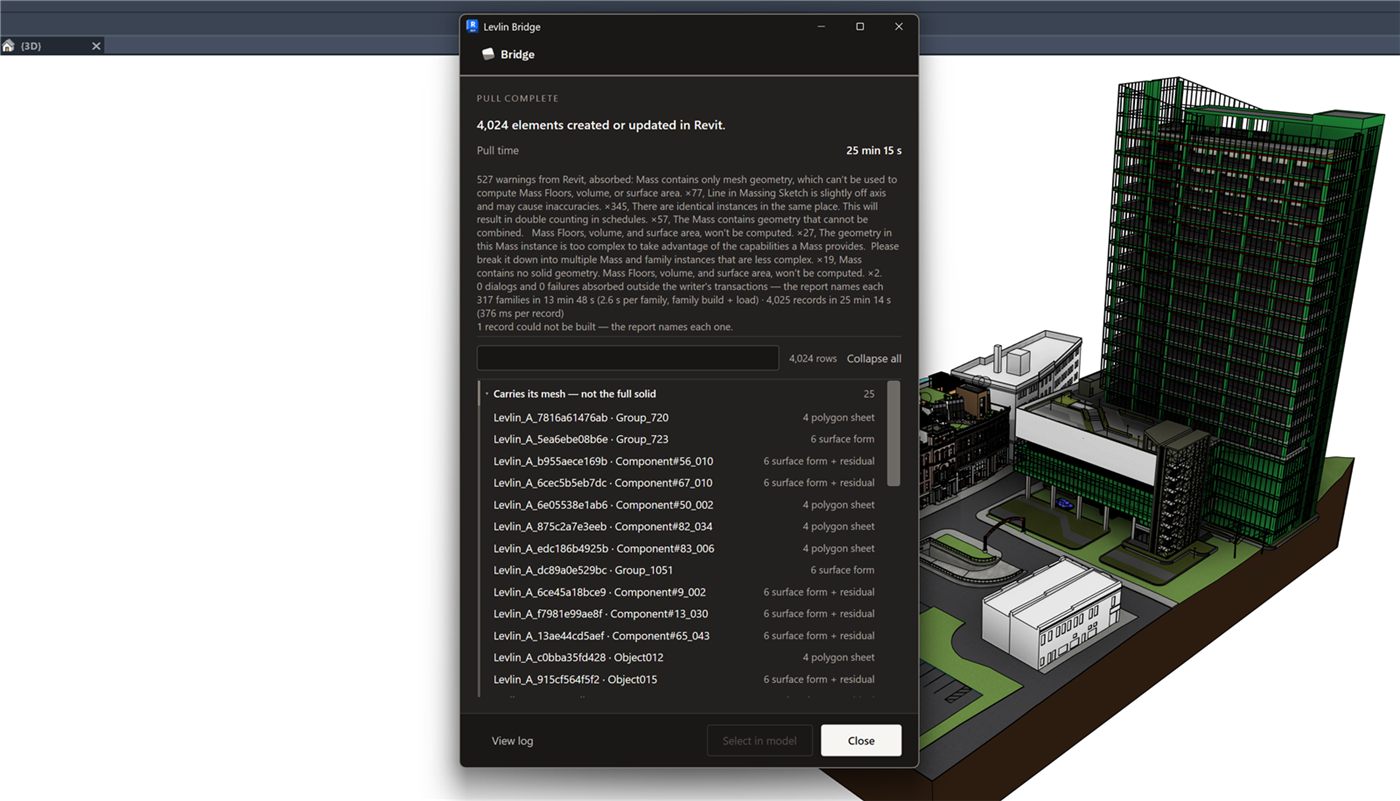
Back. Push in Max writes the file. Pull in Revit reads it and builds the geometry you changed, as real Revit elements.
Nothing arrives on either side until that side pulls. A push only writes a file; it cannot reach into anyone else's session. The modeller decides when the model takes anything on — and so do you.
Two ways back

The geometry returns in the form the model needs.

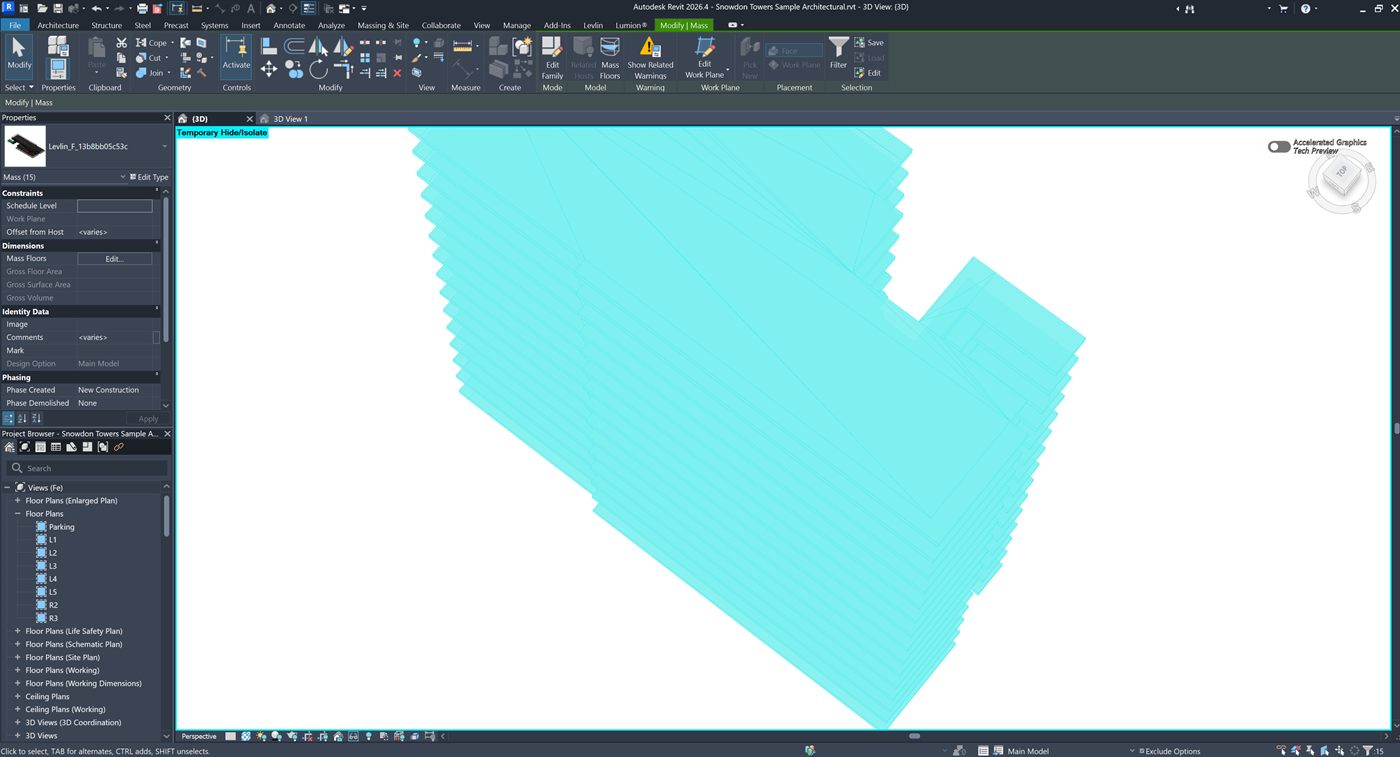
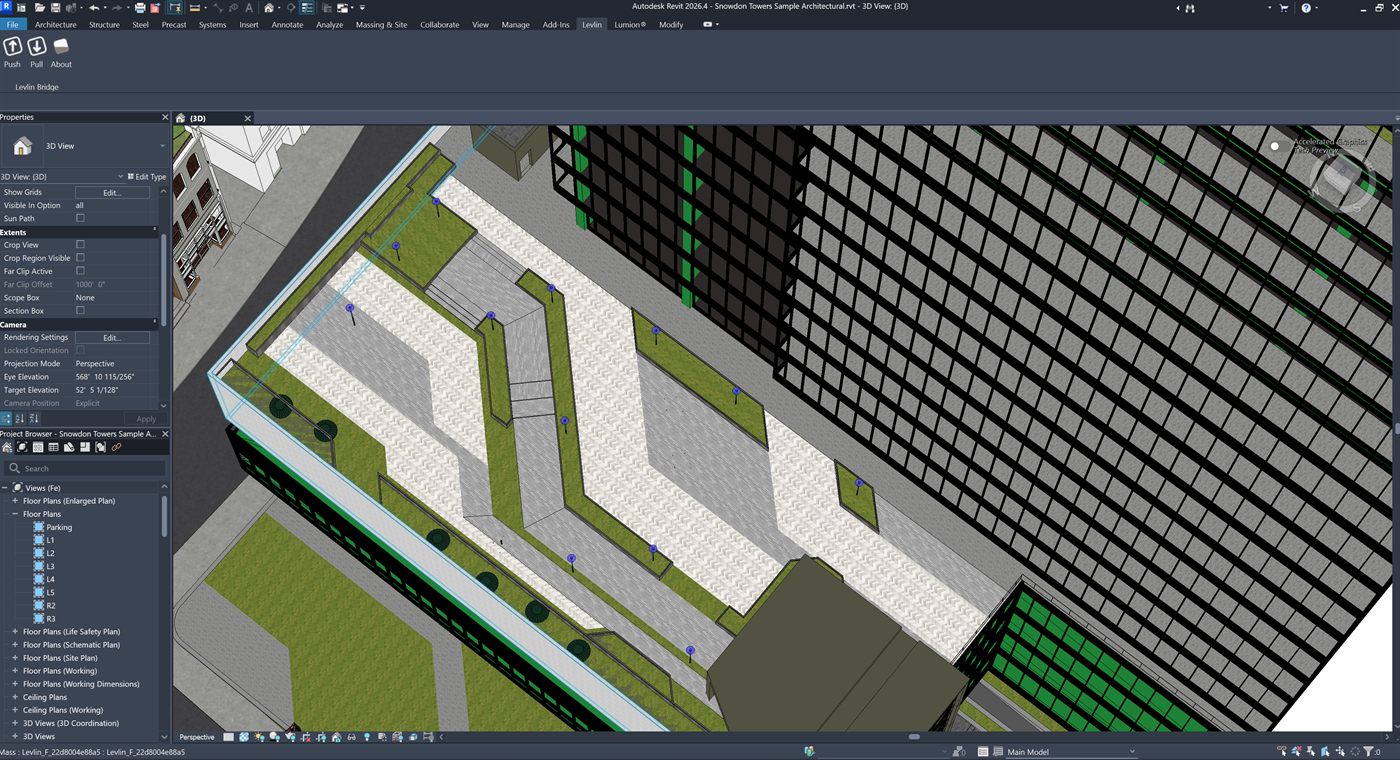
When the modeller pulls, they choose how the changed parts land. Both are real Revit elements — visible, measurable and countable — not a linked file and not an image.

A

Conceptual mass

For form the design team will keep working with. The geometry returns as a mass, so the design team can build against it and rebuild the model from it.

B

DirectShape

For geometry that is finished. It arrives as a real Revit element under the Generic Model category — visible in views and selectable like anything else in the model.

Your BIM elements are never overwritten

It arrives only when a modeller pulls it, and it lands beside the model as its own element. Nothing edits your walls, floors or families on its own — and nothing appears in Revit that somebody did not ask for.

02 · The verbs

Two verbs. The same two on both sides.

There is nothing else to learn, and nothing that behaves differently depending on which application you are standing in. Push writes. Pull reads and builds. Import is the one extra verb, and you use it once per model.

PUSH

Writes one file

In Revit and in Max. It never reaches into the other application — it puts the current state into a file and stops there. No export dialog to decode, nothing to remember between revisions.

PULL

Reads it and builds

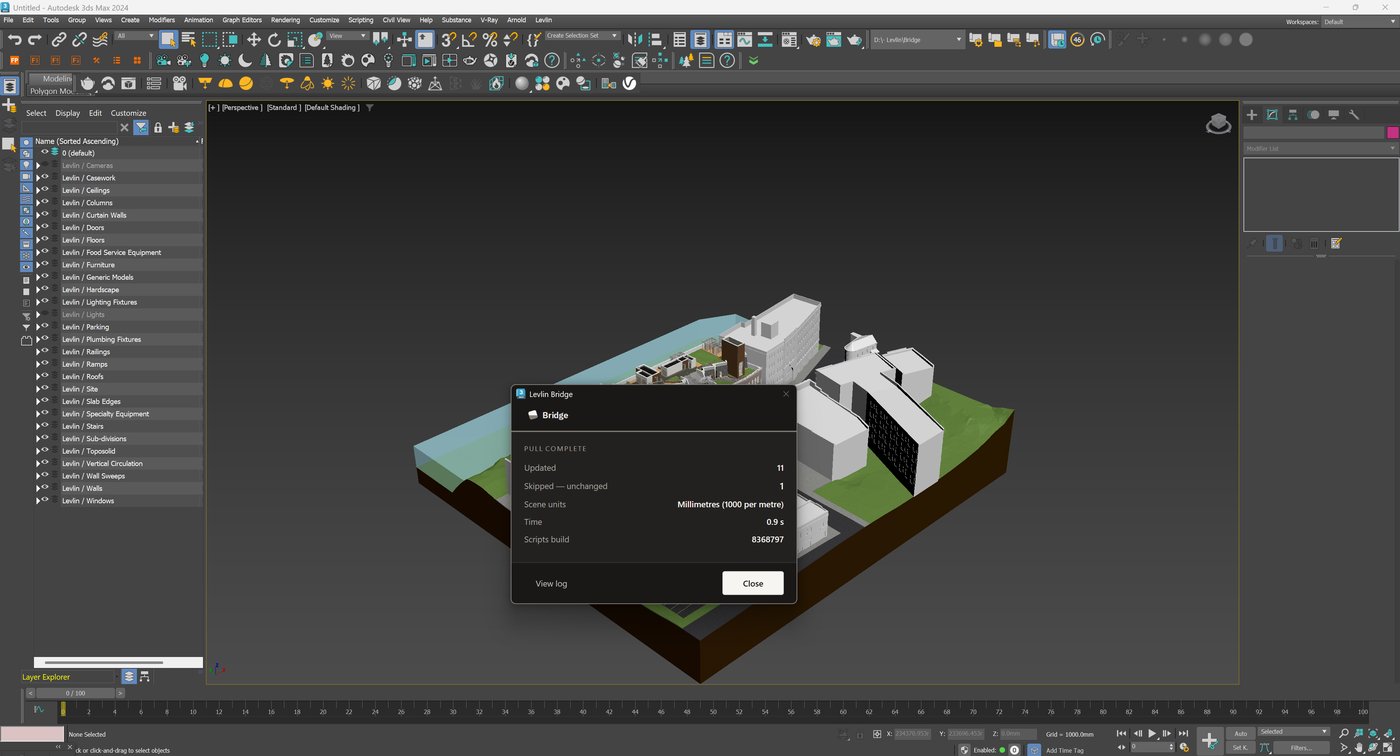
In Max and in Revit. Levlin Bridge compares what is in the file to what is already there and moves only the difference. Everything you have not touched is skipped; everything you have made is left alone.

IMPORT

Once per model, in Max

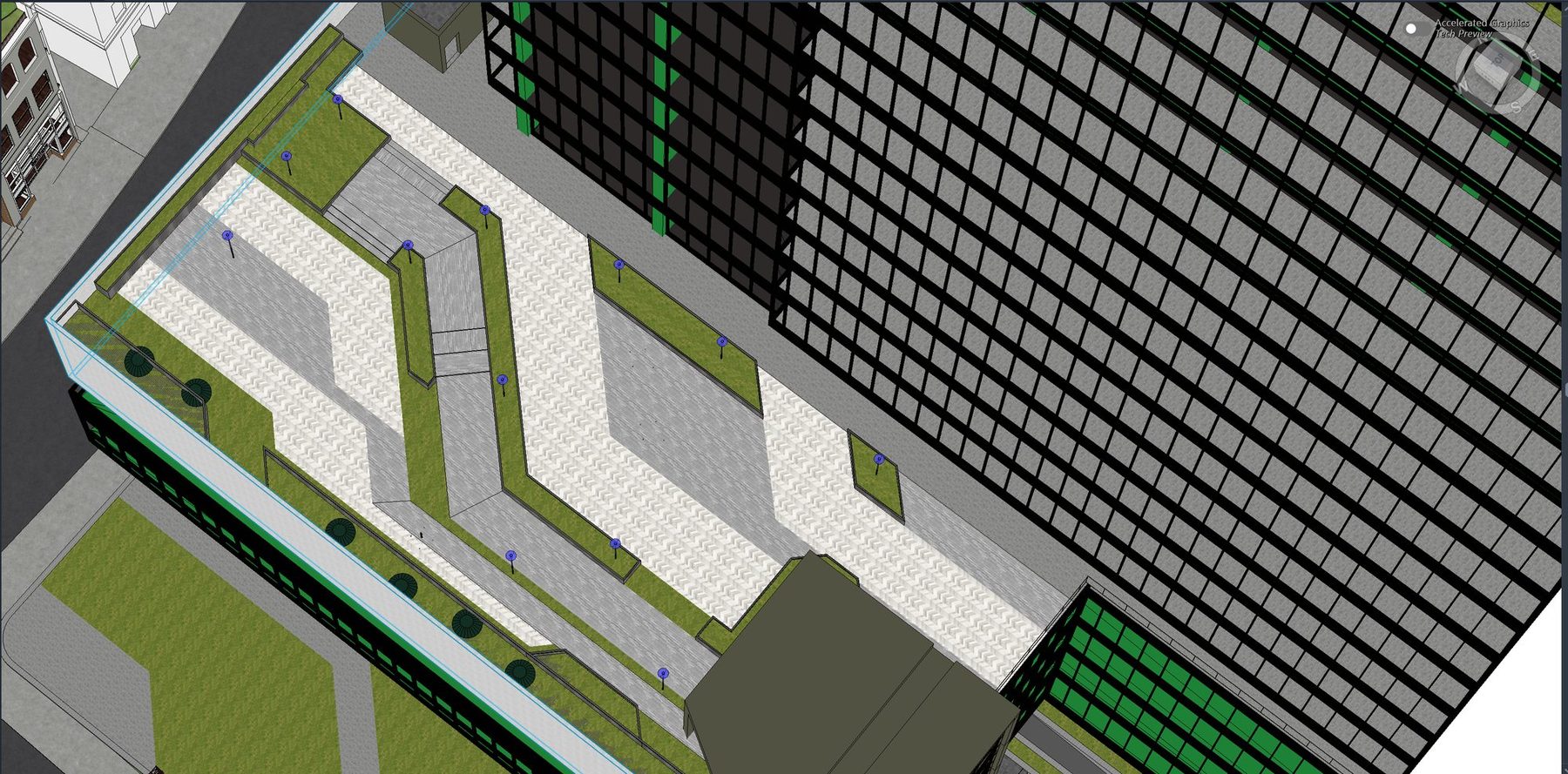
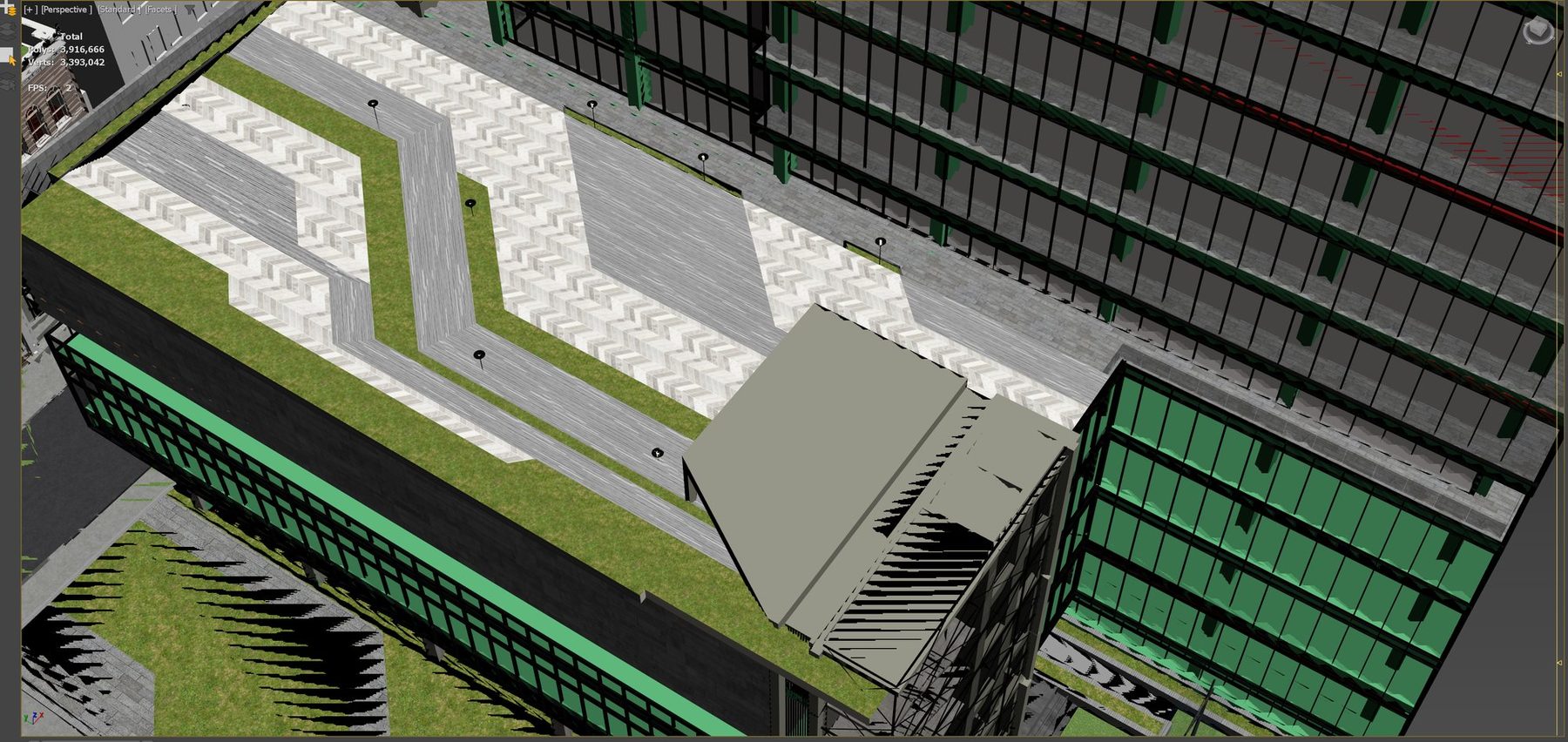
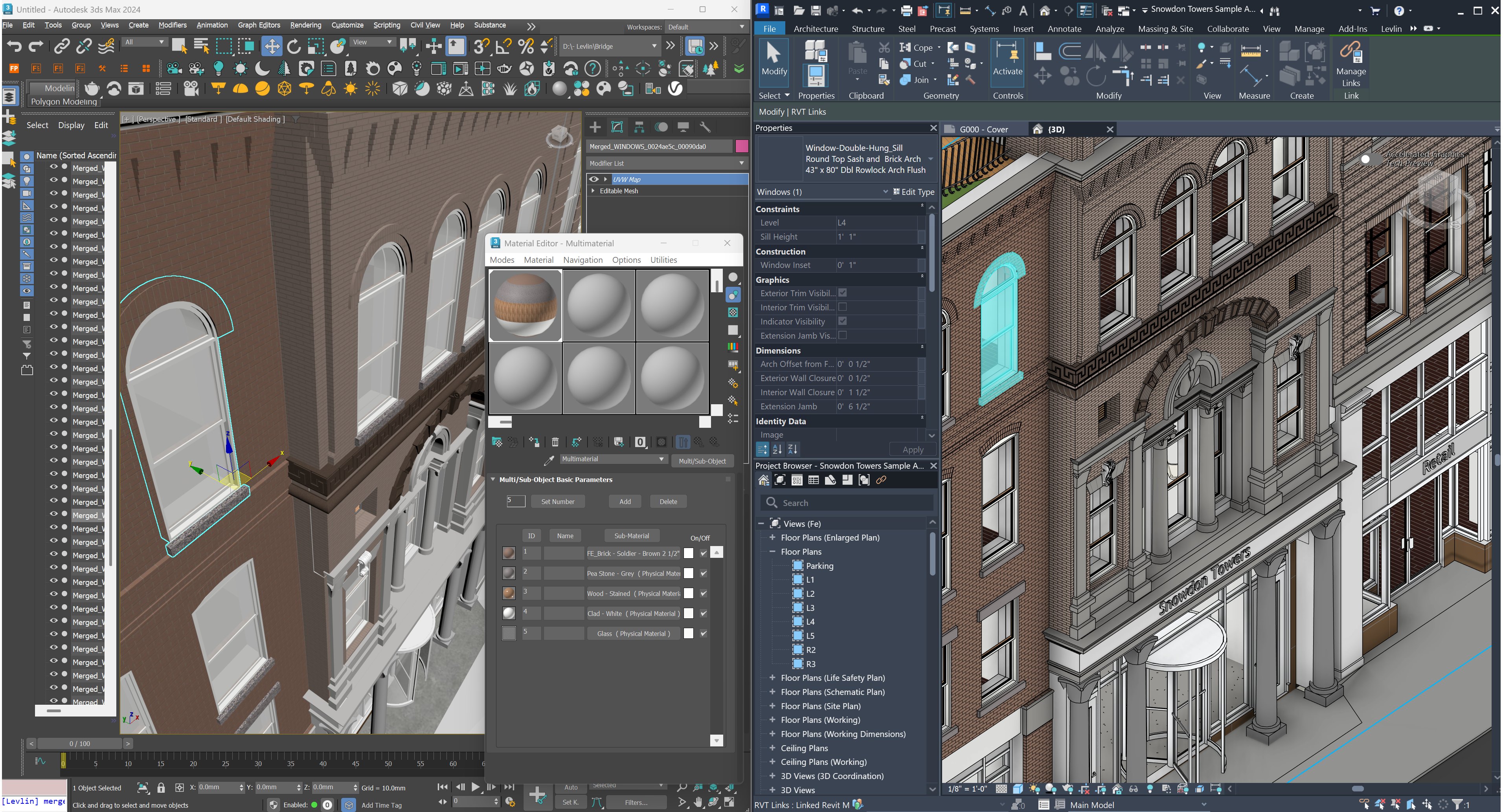
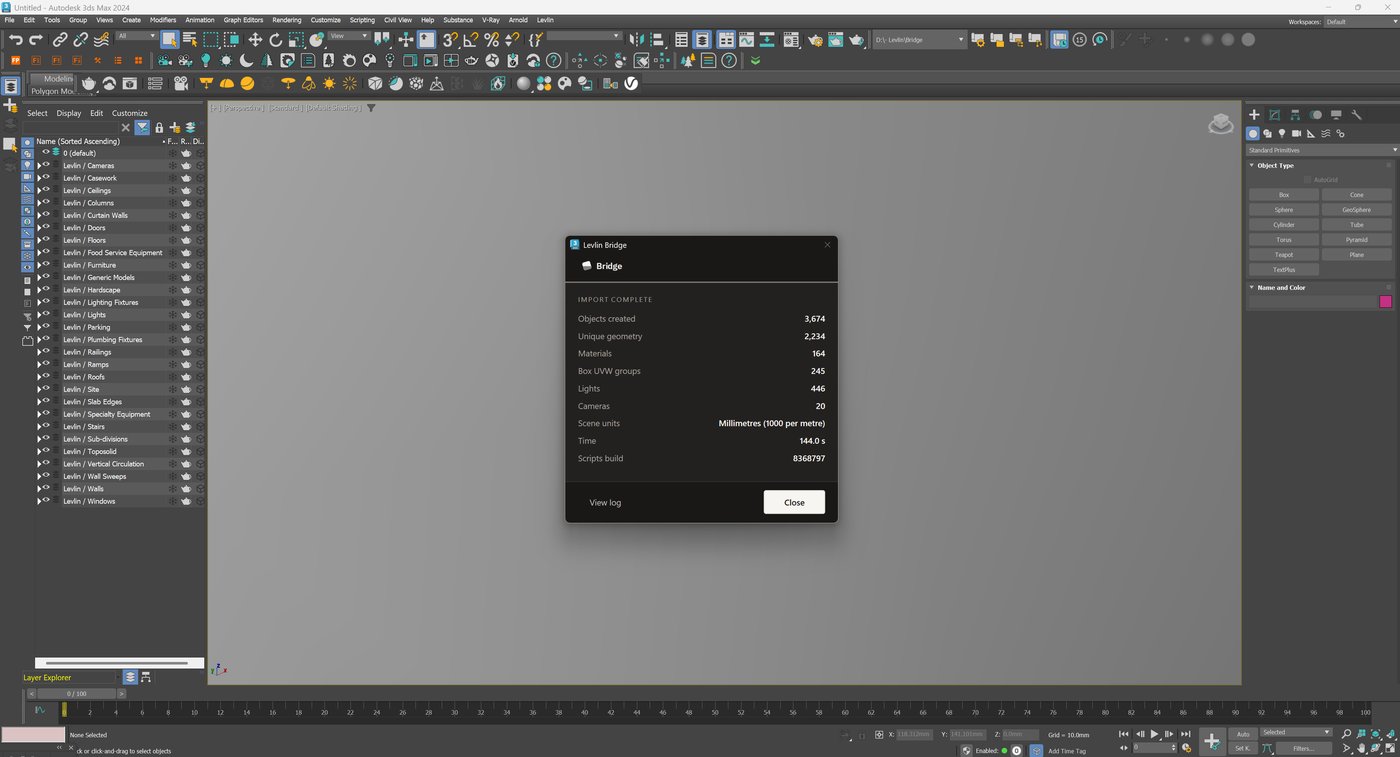
The first entry. The model arrives as native, named, editable Max objects, sorted onto layers by Revit category, with real-world UVW already applied. Pull takes over from there.

A scene can hold more than one model. Import stays available for as long as the project does — the site model, the structural model, the building next door. Each is imported once and kept current by Pull, each on its own Levlin layers, and none of them is rebuilt when another changes.
03 · Organisation

Max organises itself. By your Revit categories.

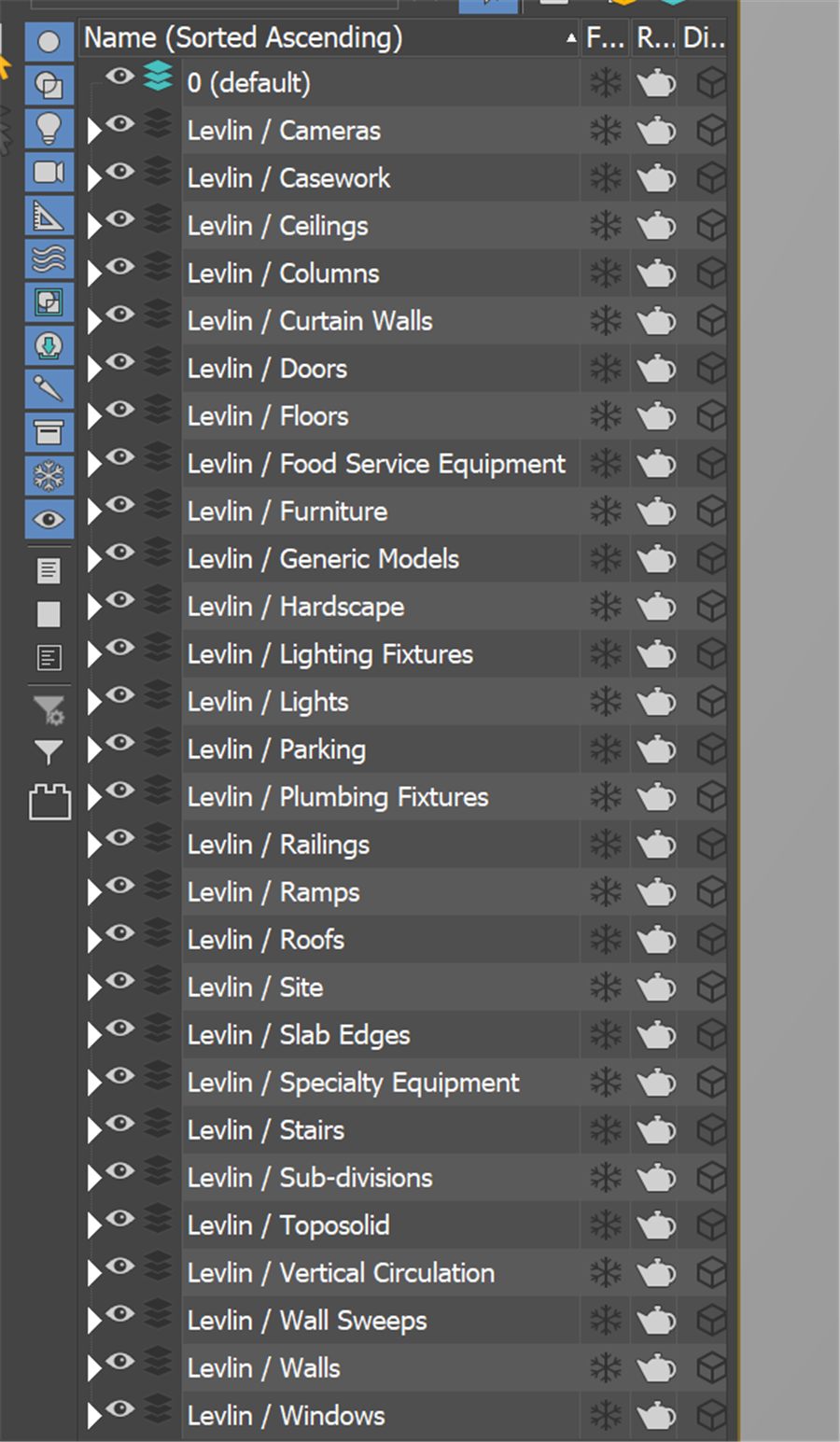
Every element lands on the layer it belongs to — named, grouped and selectable the way you already think. No re-sorting after a pull. Ever.

REVIT · CATEGORIES
Walls412
Floors86
Curtain Walls24
Stairs9
Railings131
Furniture318
Doors74
Windows131
3DS MAX · LAYERS
Levlin / Walls412
Levlin / Floors86
Levlin / Curtain Walls24
Levlin / Stairs9
Levlin / Railings131
Levlin / Furniture318
Levlin / Doors74
Levlin / Windows131
04 · The demo

One scene. Every revision. Never rebuilt.

The recording follows a single project end to end — the first import, a revision that moves only what changed, a deletion answered by Safeguard, and the geometry going back into Revit.

IN PRODUCTION The full recording is not published yet. It is being filmed now, and it lands here when it is ready. Nothing is playing on this page today. Get told the day it does →
05 · What actually happens

Not a faster FBX. A standing link.

The difference is not speed. It is what survives the trip.

~16×faster on furniture-heavy scenes — the gap grows with complexity
< 1 sto pull just the elements that changed
2,324unique meshes from 4,246 objects — the rest are instances
24Revit × Max version pairs — no matching required, and no scene rebuild
01

Only what changed

Levlin Bridge compares the model to your scene and moves only the difference. Five changed elements land in under half a second while thousands are skipped untouched.

02

Real Max objects

Not a link, not a proxy. Every element is a native, named, editable Max object with a real-world-mapped starting material — instanced where Revit repeats.

03

You own the look

Revit owns the building. You own the render. Claim any object to stop it following Revit geometry — Levlin Bridge then updates only its position.

06 · Safeguard

Nothing disappears. Ever.

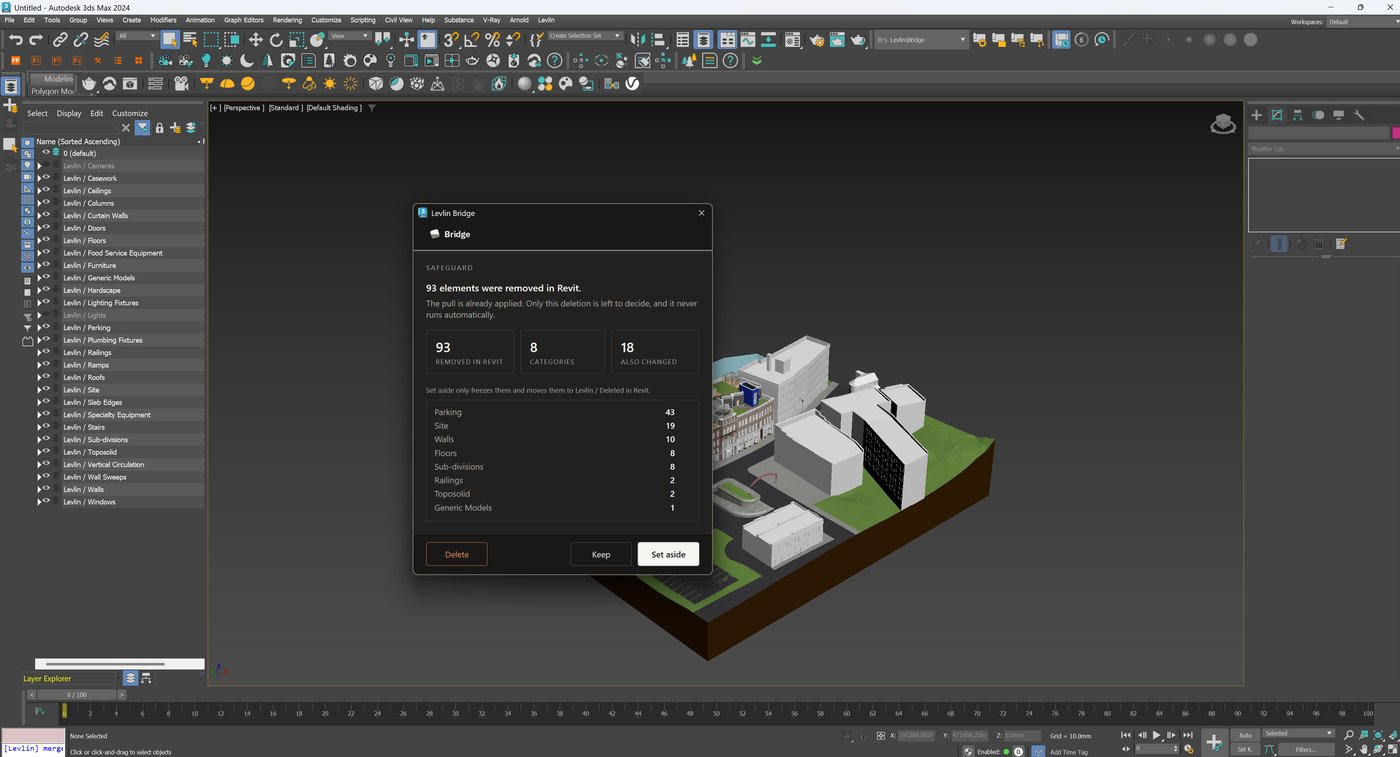
Every archviz artist has lost work to a link that swallowed geometry with no way back. Levlin Bridge cannot do that — deletion is the one thing it will never decide on its own.

Levlin Bridge
SAFEGUARD

87 elements were removed in Revit.

Nothing has been changed in Max yet. This step never runs automatically.

KeepDeleteSet aside
3DS MAX · LAYER MANAGER
Levlin / Walls412
Levlin / Floors86
Levlin / Curtain Walls24
Levlin / Stairs9
Levlin / Railings131
Levlin / Deleted in Revit87
Walls12
Furniture61
Doors14

Set them aside, and they move to a frozen layer that mirrors your Revit categories — visible, named and reversible at any time. Your materials, UVW and modifiers stay on the objects. And if the element returns in Revit, so does the object — to its own layer, unfrozen, on the next pull. Not a pile of orphaned geometry. Not gone.

07 · The hard cases

Even the nightmares come through clean.

Stairs, railings and curtain walls are where every other route falls apart. The count in Revit is the count in Max — named, whole and separately selectable.

Stairs

Each stair arrives as one named object carrying its own materials — not a fused shell.

Railings

Every railing merged whole and named. The count in Revit is the count in Max.

Curtain walls

Glass and mullions merged correctly, with real-world UVW already applied.

08 · Boundaries

What Levlin Bridge is not.

A tool that tells you its limits is a tool you can plan around.

Not a rendererLevlin Bridge moves geometry and data. Your renderer, lighting and look development stay entirely yours.
Not a linkNothing arrives locked or read-only. Every object is native Max geometry you can edit, attach and modify.
Not a converterIt is not a one-shot export. Levlin Bridge keeps a standing relationship between the model and the scene across the whole project.
Not a Revit modellerLevlin Bridge never overwrites your BIM elements. Geometry coming back lands beside them as its own element — a mass or a DirectShape — and only when a modeller pulls it in.
09 · Compatibility

Any Revit. Any Max. No version matching.

Your BIM team is on the Revit the client mandated. Your viz team is on the Max their plugins support. Levlin Bridge does not care — every supported Revit pushes to every supported Max, in any combination, and the scene you built survives all of them.

REVIT ↓  /  3DS MAX → 2024202520262027
2022
2023
2024
2025
2026
2027
24 combinations, all supported. The only other route with that freedom is a full FBX re-export — and that rebuilds your scene from scratch every time. Levlin Bridge gives you the same version freedom without the cost: your BIM team’s Revit and your viz team’s Max never have to agree, and your scene survives either way.

Windows 10 & 11

Native title-bar theming and dark-theme dialogs on Windows 11. Full functionality on Windows 10.

Any renderer

V-Ray, Corona, Arnold, Redshift — Levlin Bridge delivers standard Max objects and never touches your render setup.

One seat, two machines

Desktop and laptop on the same seat. Continuous updates track every new Revit and Max release.

10 · Ownership

Yours to keep.

Your work is never held hostage

If a subscription ends, every .max file you built keeps working and stays fully editable. Levlin Bridge only stops bringing new changes in — nothing locks, nothing expires inside your scene.

Verified before you run it

Every build ships with its VirusTotal scan and SHA-256 published. New installers have no SmartScreen reputation yet — so we give you the means to check instead of asking for trust.

One price, everywhere

One price per country, applied automatically at checkout. No tiers to decode. Billing through a Merchant of Record — secure and tax-compliant in your jurisdiction.

11 · Pricing

Priced on the time it saves.

One revision cycle a month covers it. Most projects have several a week.

$15 / seat / month

A 30-day free trial on your own project the day Levlin Bridge ships. No credit card, no feature gates, no watermarks.

  • The full round trip — geometry back into Revit
  • Unlimited models, unlimited pulls
  • Any Revit 2022–2027 with any Max 2024–2027
  • Safeguard on every deletion
  • Two machines per seat
  • Continuous updates for new releases
  • Scenes stay yours if you stop
12 · Early access

Levlin Bridge is in final testing.

Leave your email and you get the 30-day trial the day it ships — nothing before, nothing else. One message, then silence until launch.

No newsletter, no sharing, no follow-ups. Unsubscribe is a reply.
If nothing happens when you submit, write to hi@levlin.net and you go on the list by hand.

13 · Questions

Before you ask.

Does it work with my renderer?

Yes. Levlin Bridge delivers native 3ds Max objects with standard materials, so V-Ray, Corona, Arnold and anything else in Max treat them like objects you modelled yourself. Levlin Bridge never touches your render setup.

Native objects — won’t the scene get heavy?

Repeated elements arrive as instances, not copies. A 4,246-object model resolves to 2,324 unique meshes — the rest reference geometry that is already in memory.

What is the difference between Import and Pull?

Import brings a model in. Pull keeps it current. You import a model once; after that, every change in Revit reaches your scene through Pull. Import stays available because a scene can take on new models at any time — the site model, the structural model, the building next door. The only thing Levlin Bridge refuses is importing the same model twice.

Can one Max scene hold more than one Revit model?

Yes. Each model is imported once and then kept current by Pull. They live side by side in the same scene, each on its own Levlin layers, and none of them has to be rebuilt when another changes.

Do I have to fix UV mapping before I can texture?

No. Levlin Bridge applies real-world UVW at import, so materials land at the correct physical scale straight away — the ones that come across from Revit, and any Max material you swap in afterwards. Two things sit outside that default: scanned materials, which carry their own scale conventions and still need an artist’s pass; and very large surfaces such as a multi-kilometre terrain, which real-world mapping does not suit. Both are handled by bringing that piece in as its own model — see the question above.

What happens to my Max edits when the model changes?

Nothing, unless the element itself changed in Revit. Materials, modifiers and UVW stay exactly where you left them. If you want an object to stop following Revit geometry entirely, claim it — Levlin Bridge then keeps your geometry and only updates its position.

What happens if elements are deleted in Revit?

Levlin Bridge stops and asks. Nothing is removed from Max without your answer. Set them aside, and they move to a frozen Levlin / Deleted in Revit layer that mirrors your Revit categories — with their materials, UVW and modifiers still on them. If those elements come back in Revit, the next pull returns the objects to their own layers and unfreezes them automatically. It is a waiting room, not a graveyard.

How do my changes get back to Revit?

The same way the model reached you, in reverse. Push in 3ds Max writes a file; Pull in Revit reads it and builds the parts you changed as real elements — a conceptual mass when the design team will keep working the form, or a DirectShape when the geometry is finished and just needs to exist in the model with a category. It lands beside your BIM elements, never on top of them, and it lands only when a modeller pulls it: a push cannot reach into anyone else’s session.

Do my Revit and Max versions have to match?

No. Any supported Revit works with any supported Max, in any of the 24 combinations — Revit 2022 pushes to Max 2027, Revit 2027 pushes to Max 2024, and upgrading one never forces you to upgrade the other. A full FBX re-export gives you the same version freedom; the difference is that it rebuilds your scene every time, and Levlin Bridge keeps it.

Which versions are supported?

Revit 2022 through 2027, and 3ds Max 2024 through 2027. Updates track new releases across the full matrix.

How does licensing work?

One seat, two machines. $15 per seat per month, billed through a Merchant of Record, one price per country applied automatically at checkout.

What happens to my scenes if I stop subscribing?

Every .max file you built stays yours and stays fully editable. Levlin Bridge simply stops bringing new changes in — nothing is locked, nothing expires inside your scene.

Windows shows a warning when I install. Why?

New installers have no reputation history with SmartScreen yet. Every build ships with its VirusTotal scan and SHA-256 published — verify before you run it.